Built for the walk
Capture fast enough to keep up with the work in front of you.
In development · Coming to the App Store
Mark the exact spot. Attach photos, notes, and annotations. Hand over a report people can use without calling you back to the site.
PinReport is launching for iPhone and iPad. Not on the App Store yet — device QA is in progress.
Built for the walk
Capture fast enough to keep up with the work in front of you.
Built for the handoff
Leave behind a map, photos, notes, and exports people can act on.
Built for focused documentation
Keep the map, the photos, and the report tied together without turning the job into a giant forms project.
From find to finish
PinReport starts as a live Report on the map. Each capture drops a numbered pin, saves the location context, and ties the reference photo, note, and annotations to the right finding for the handoff later.
01
Open the live satellite map, walk the site, and keep your position in view with pan, zoom, and recenter when you need it.
02
When the issue is in front of you, Capture drops a numbered pin at the current GPS fix, saves the map snapshot, and opens the camera.
03
Add the note and annotations, attach more photos to that pin when needed, then export a PDF report or geotagged photo set.
What the crew sees
Numbered findings, severity cues, photo annotations, and GPS context stay together from capture through review.
Active report
North roof walk
Pin 3
Photo, note, severity, and location stay together while the crew keeps moving.
What leaves the phone
The output is the product: a clean report, clear location context, and photos that still carry the right coordinates after they leave the app.
Overview map, numbered findings, photos, notes, optional weather, and location detail.
Annotated exports with GPS written into the image metadata.
Portable report data when you need to keep the raw inspection record.
Saved snapshots keep the reporting flow moving even when the signal does not.
Inspection report
North roof walk
Lower slope · photo annotated · location locked
Three related photos grouped under one pin for a cleaner handoff
Mapped, noted, and ready for the follow-up crew without extra explanation
Built for exact locations
PinReport fits outdoor work where one site has too many similar panels, units, slopes, gates, or corners to describe from memory.

Residential roof walk
Large residential roofs can sprawl just like commercial sites. The pinned map context and photo proof keep the right slope, ridge, or roof feature obvious.

Mechanical roof
Pin the exact unit, attach the photos and notes there, and hand off work without resorting to “the one by that duct run.”
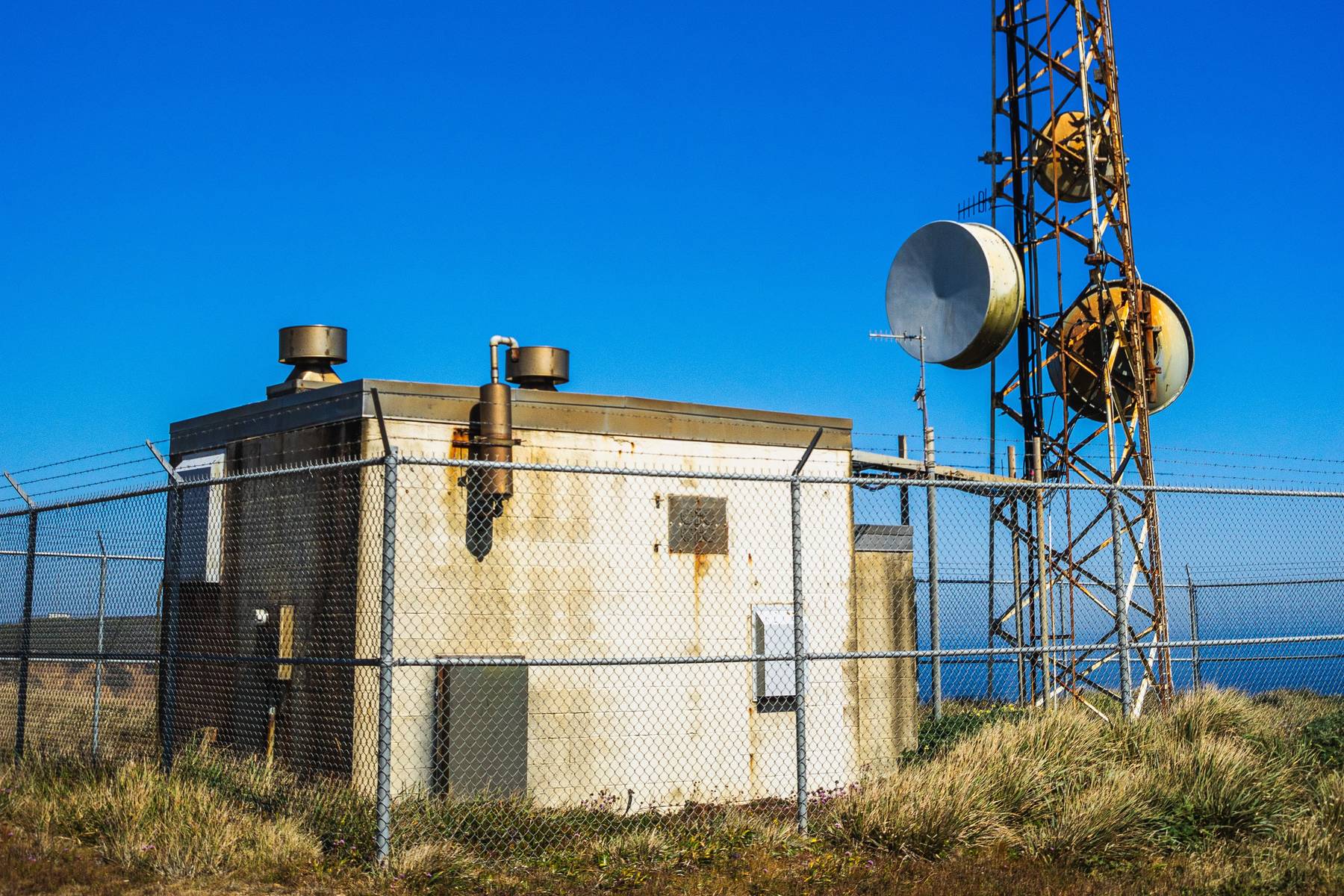
Utility and telecom
Outdoor infrastructure work still needs exact location context, especially when the follow-up crew was not standing there with you.
Planned pricing
When PinReport launches on the App Store, capture stays open. The first three PDF or photo exports are included. Unlock Pro when you need to keep sending them. Pricing below is planned — not a live store purchase yet.
Free
$0
Pro
$24.99
one time · planned
In development. Coming to the App Store — Free and Pro are not available to download or purchase yet.
In development · Coming to the App Store
PinReport is launching for iPhone and iPad. Not available on the App Store yet.